Never waste a good outage
The CrowdStrike outage that crashed millions of Windows machines, immediate workaround steps, and why open source and decentralisation prevent it.

Introduction
Much of the world experienced two massive IT system outages affecting business and critical infrastructure across the US, Europe, Asia, New Zealand, UK, Australia and beyond.
What Caused the Outage
The outage impacted millions of users and services, including:
- Major banks
- Payment systems
- Transportation systems
- Telecommunications
- Mainstream media outlets
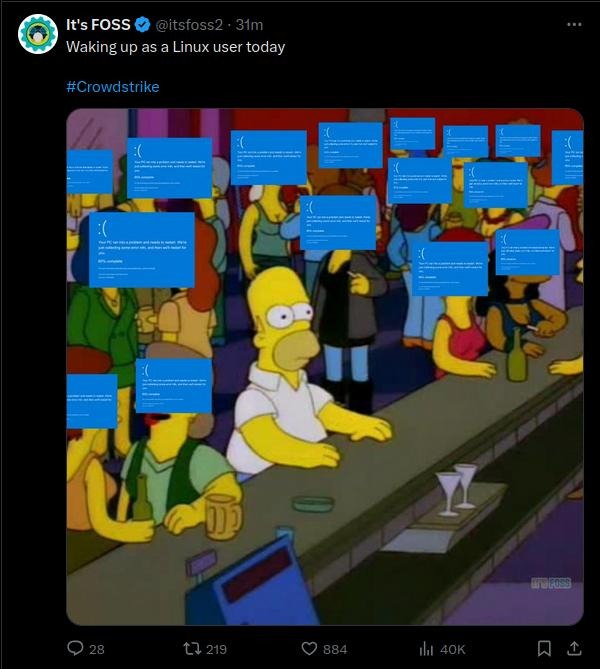
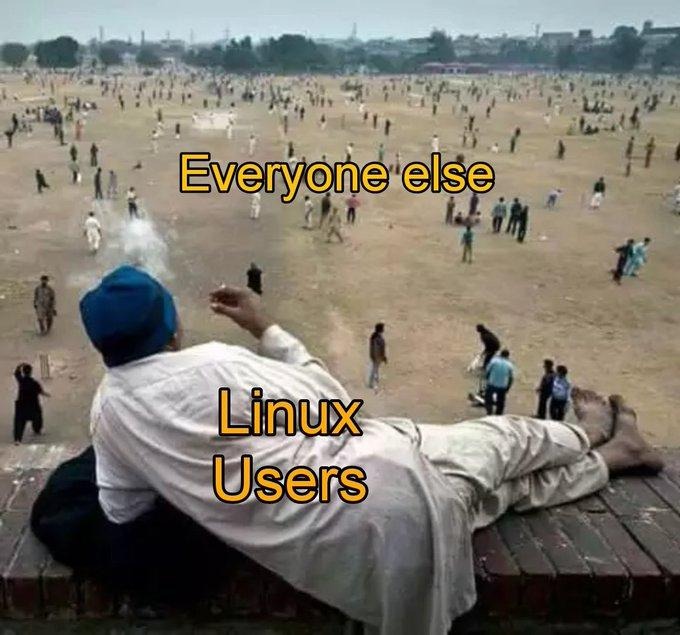
Millions of Windows machines displayed the “Blue Screen Of Death” (BSOD), creating what the article describes as “the largest systems failure in history.” Notably, Unix and Linux-based machines were not affected.
A buggy update from U.S. cybersecurity company CrowdStrike caused the issue.
Immediate Workaround Steps
For individual host machines:
- Reboot the host to download the reverted channel file
- If crashing continues, boot into Safe Mode or Windows Recovery Environment
- Navigate to
C:\Windows\System32\drivers\CrowdStrike - Locate and delete the file matching
C-00000291*.sys - Boot normally
Note: Bitlocker-encrypted hosts may require a recovery key.
For public cloud environments:
- Detach the operating system disk volume
- Create a snapshot or backup as a precaution
- Attach the volume to a new virtual server
- Navigate to
C:\Windows\System32\drivers\CrowdStrike - Delete the file matching
C-00000291*.sys - Detach the volume and reattach to the original server
Long-Term Solutions
The article advocates for switching to Linux and open source systems, emphasizing two key principles:
Open Source
“When a system is open source, developers and cybersecurity experts pick up on bugs and release patches much more quickly than in the case of closed source or proprietary software.”
Decentralisation
Decentralized systems avoid single points of failure. Cloud systems are inherently centralized, making failures potentially catastrophic.
Recommended Services
Noiz offers:
- Linux installation, implementation, integration, training and support
- Linux computers (laptops, desktops, notebooks)
- IT support with service level agreements including endpoint protection, disaster recovery, and remote support
- “Switch to Linux” services for individuals and larger organizations