It's tax scam time again: protect yourself from fraud
How to spot and respond to tax season scams, plus practical steps to secure your SARS eFiling account and share tax data safely.
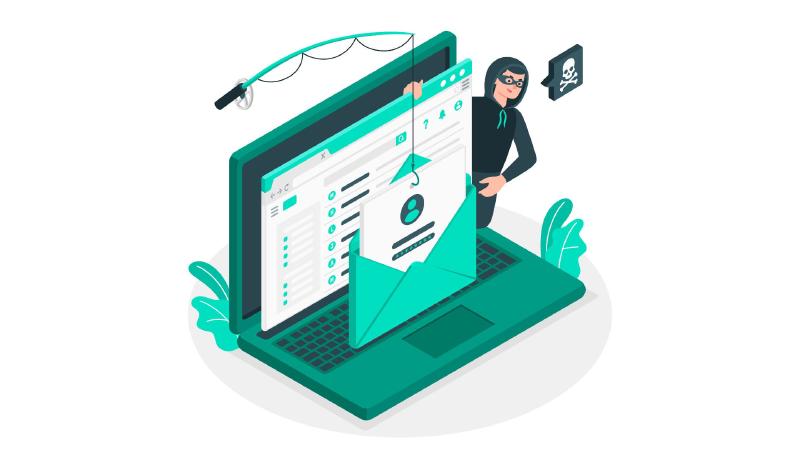
Identifying tax scams
Most scams have two key elements: fear and urgency. Scammers will try to scare you into acting quickly, claiming that you owe money or that your refund is at risk. Be cautious of emails, phone calls, and text messages that:
- Demand immediate payment via debit card, EFT
- Threaten arrest or additional fines
- Ask for personal or financial information via email, text message, or social media
- Demand payment without allowing you to question or appeal the amount owed
The South African Revenue Service (SARS) will never contact you in these ways. If you’re unsure, visit the official SARS website or contact them directly.
Recent example
In a recent example, clients received an email claiming to be from SARS with the subject line “Notification from SARS.” The sender address was not from SARS, but the name was set to sars.gov.za.
Always check the Sender Address, not just the sender’s name. Look for typos such as double letters, or visual tricks such as ‘rn’ instead of ’m’, which one might miss when reading quickly.
Responding to scams
If you receive a suspicious call, hang up. If you get a suspicious email or text, delete it without clicking on any links. Don’t trust the sender’s identity, as it’s easy to spoof email addresses and caller IDs.
Be cautious of file attachments with strange file extensions, especially .exe or .rar files.
If you’re concerned that a message might be real, contact SARS directly. To check on your refund, visit the official SARS eFiling website.
Preventing tax return fraud
Use a strong, unique password for your SARS eFiling account, and make sure to use a password keeper such as KeePassXC.
Sharing tax data securely
When sharing sensitive tax information with your practitioner, ensure they have a secure online portal, such as https://send.noiz.co.za. Avoid emailing sensitive documents without encrypting them first. Read our article on how to send files securely to learn more.
Stay safe this tax season by being vigilant and taking proactive steps to protect yourself from tax scams.